AI interior design app · iPhone & Android
Redesign your room with AI.
Snap a photo, pick a style, and see your own room redesigned in seconds — from calm Japandi to a full oxblood drench.
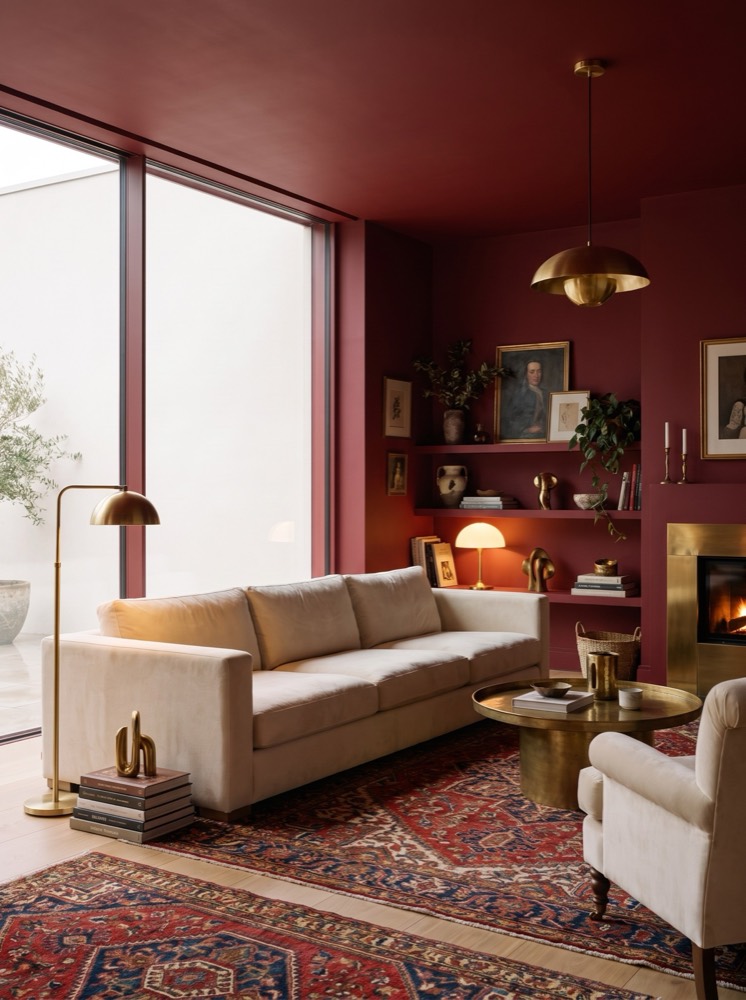
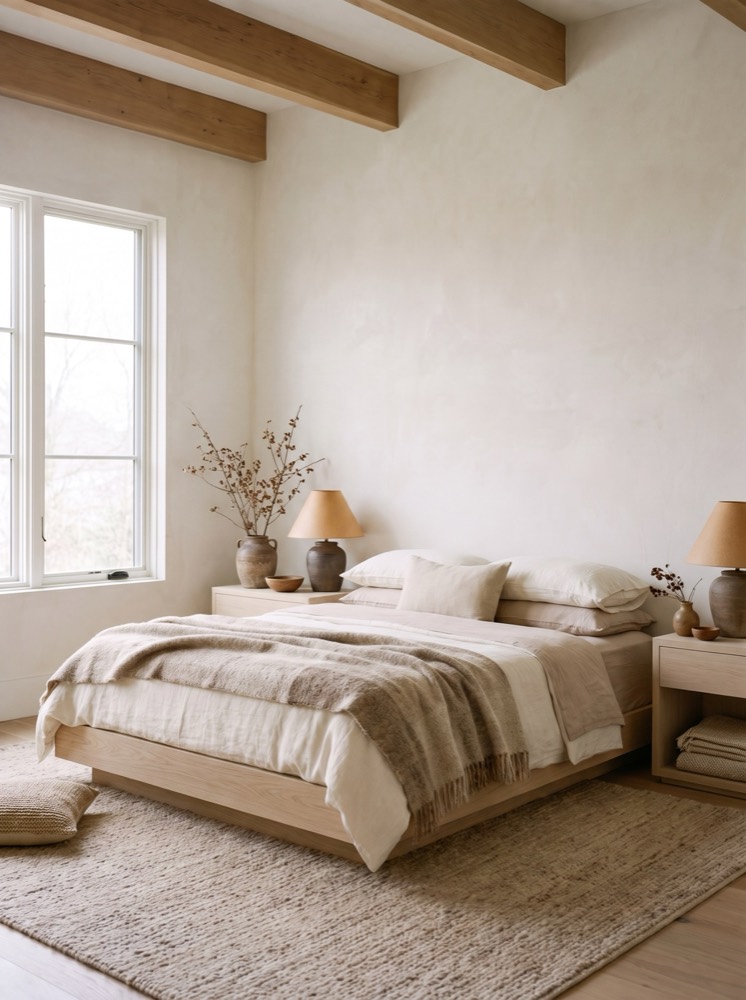
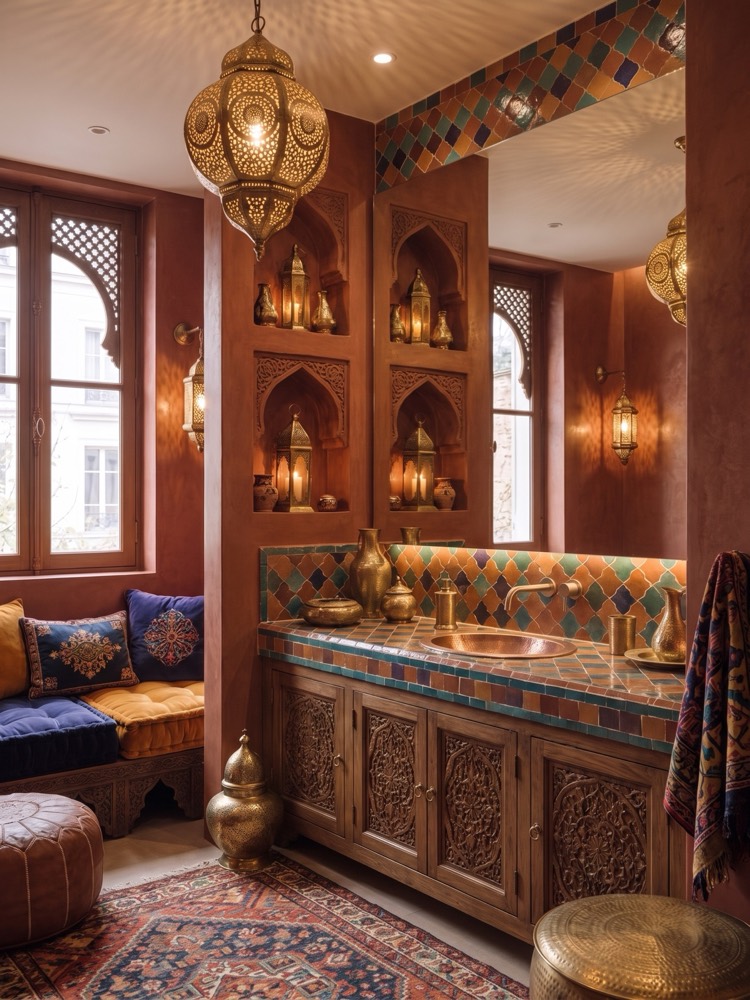
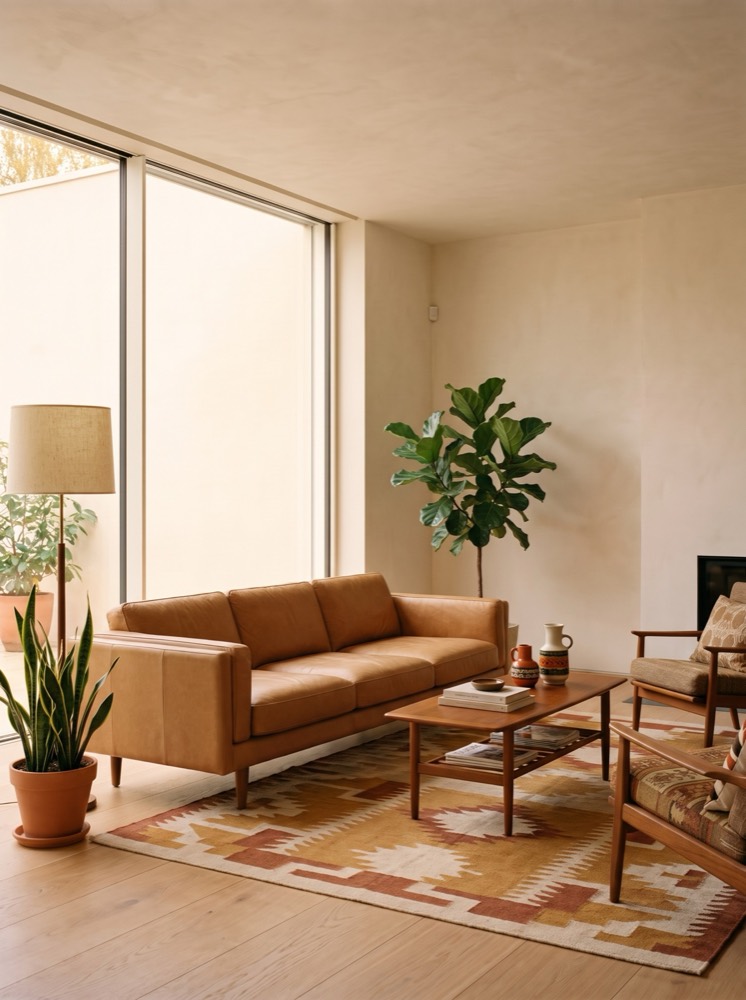
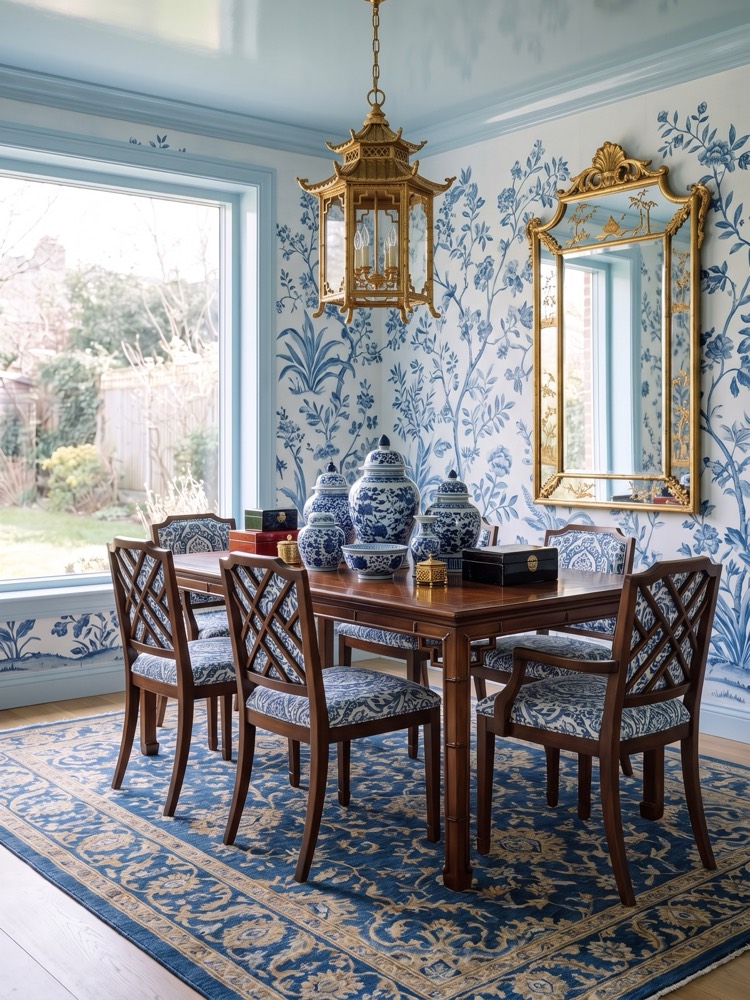
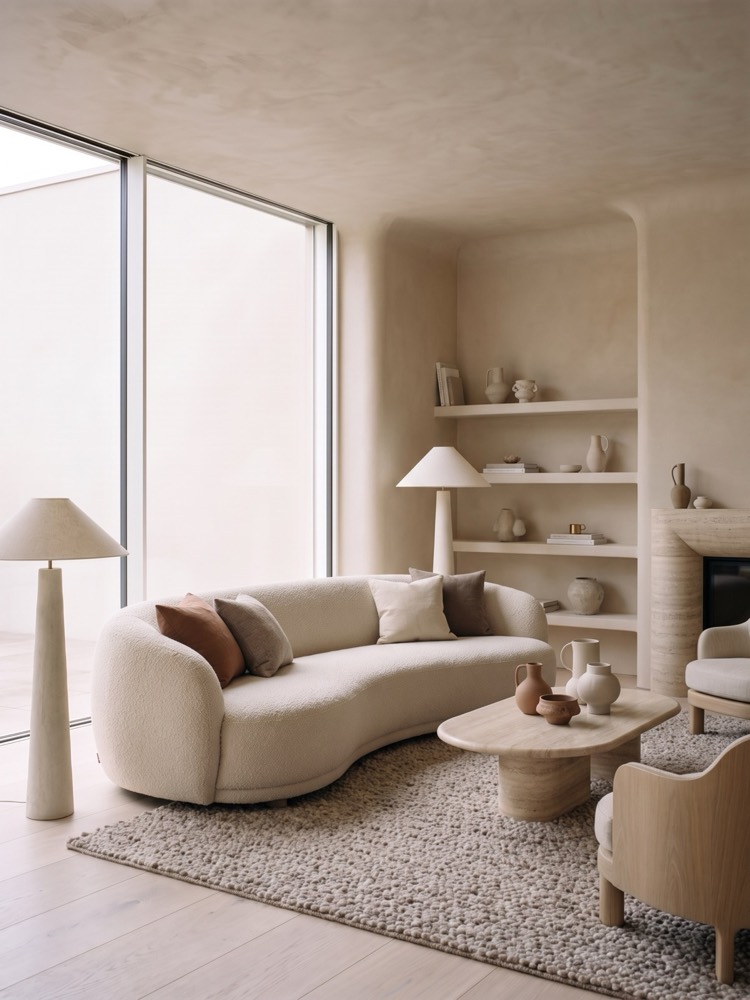
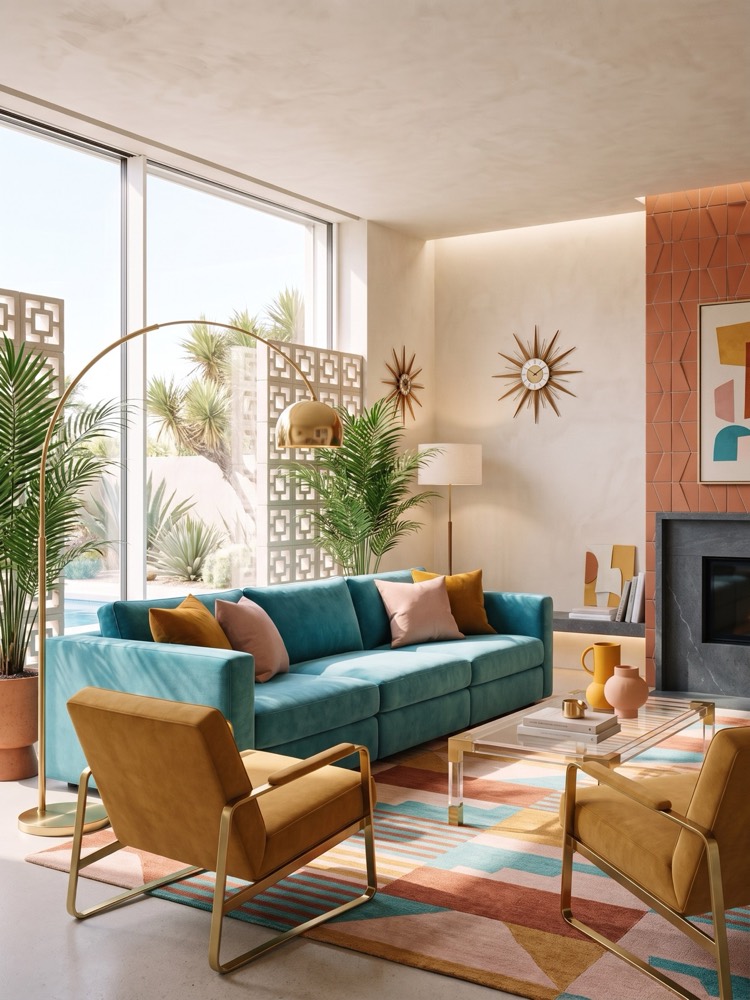
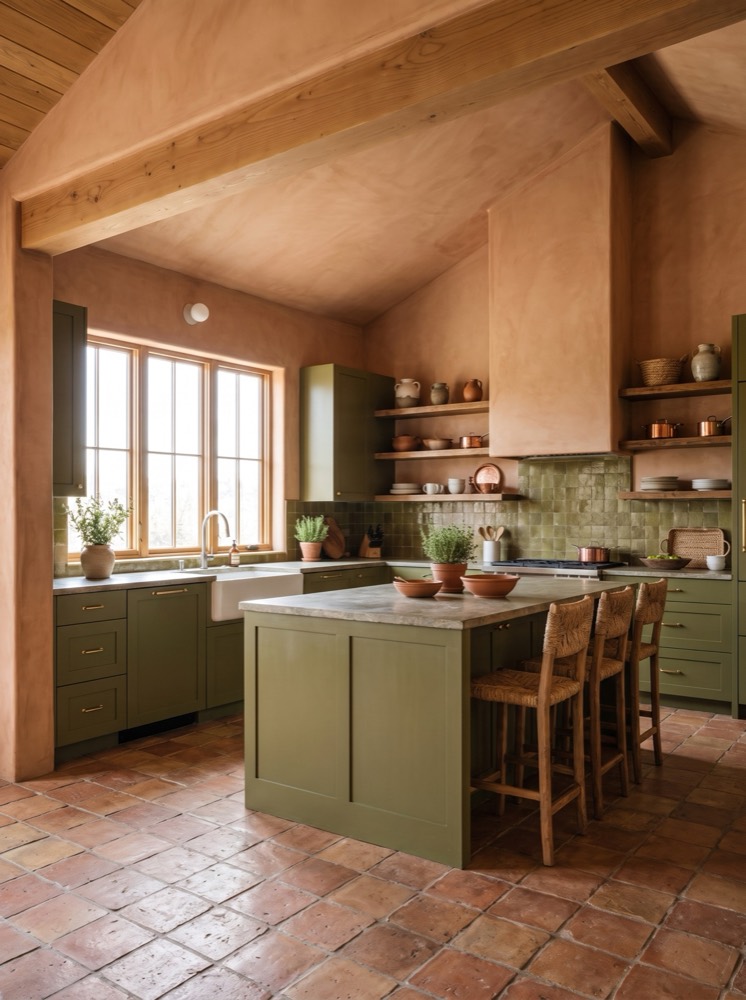
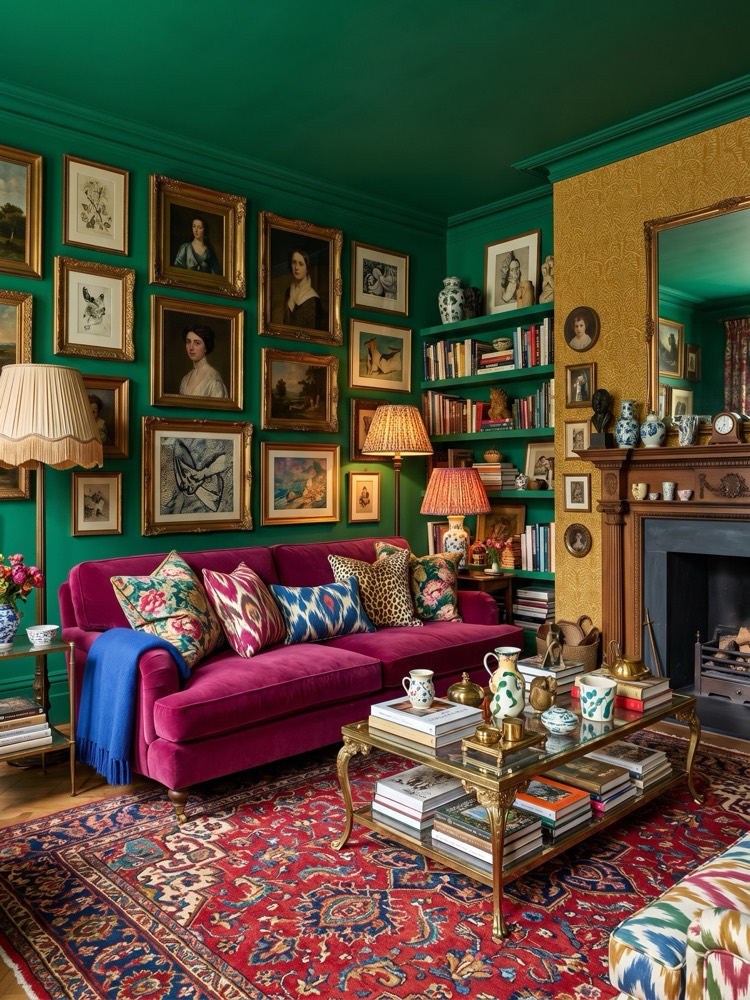
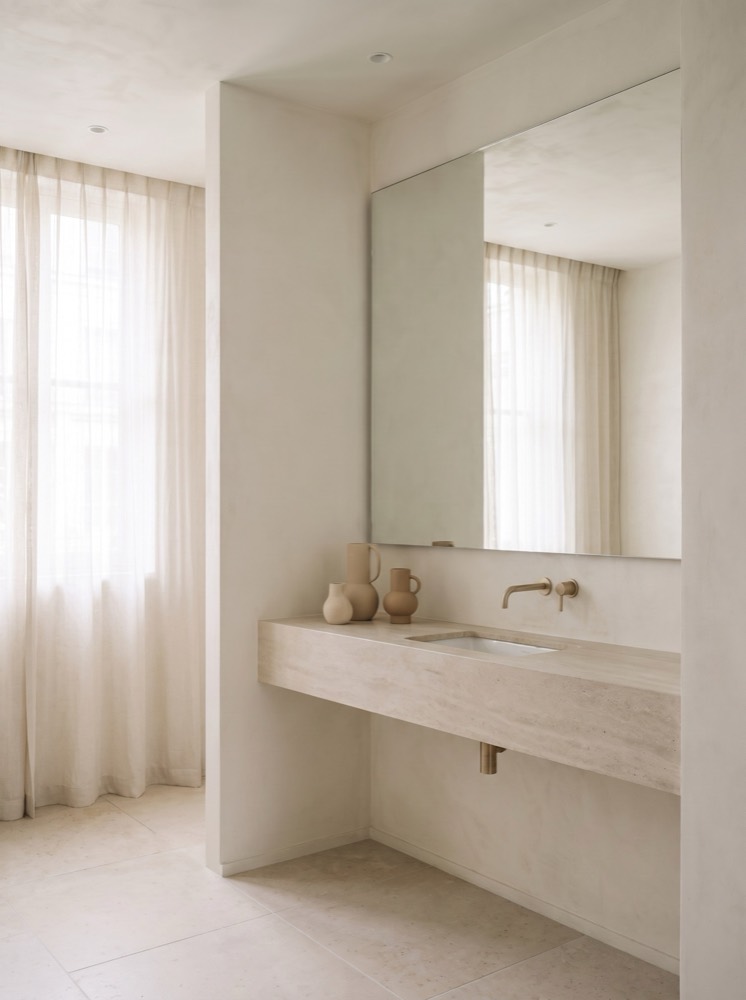
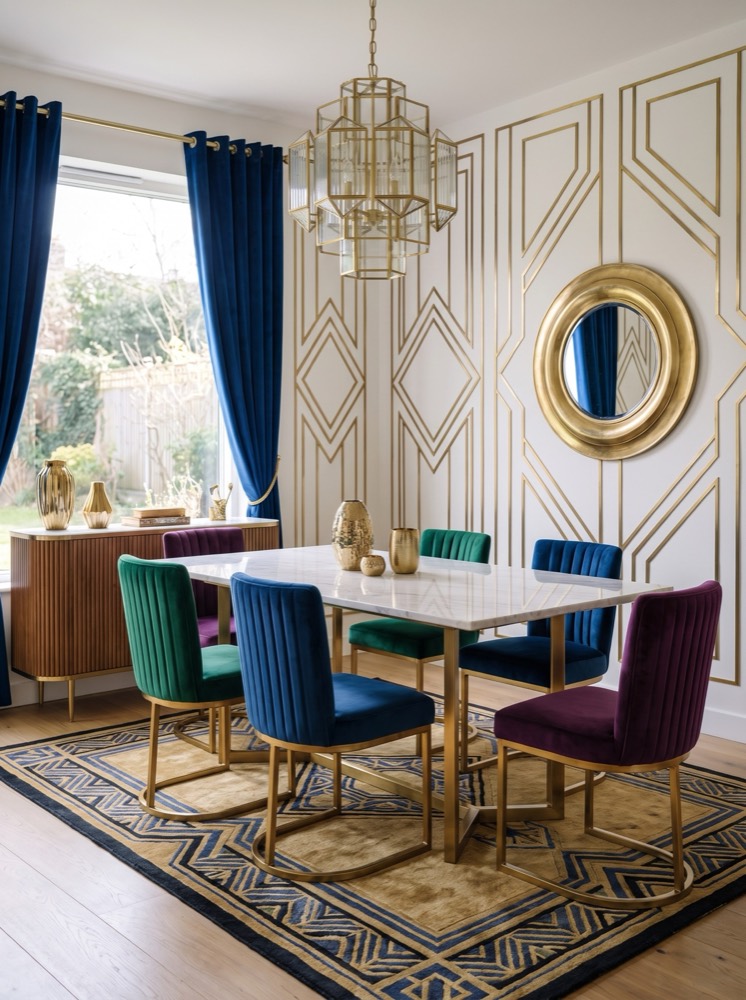
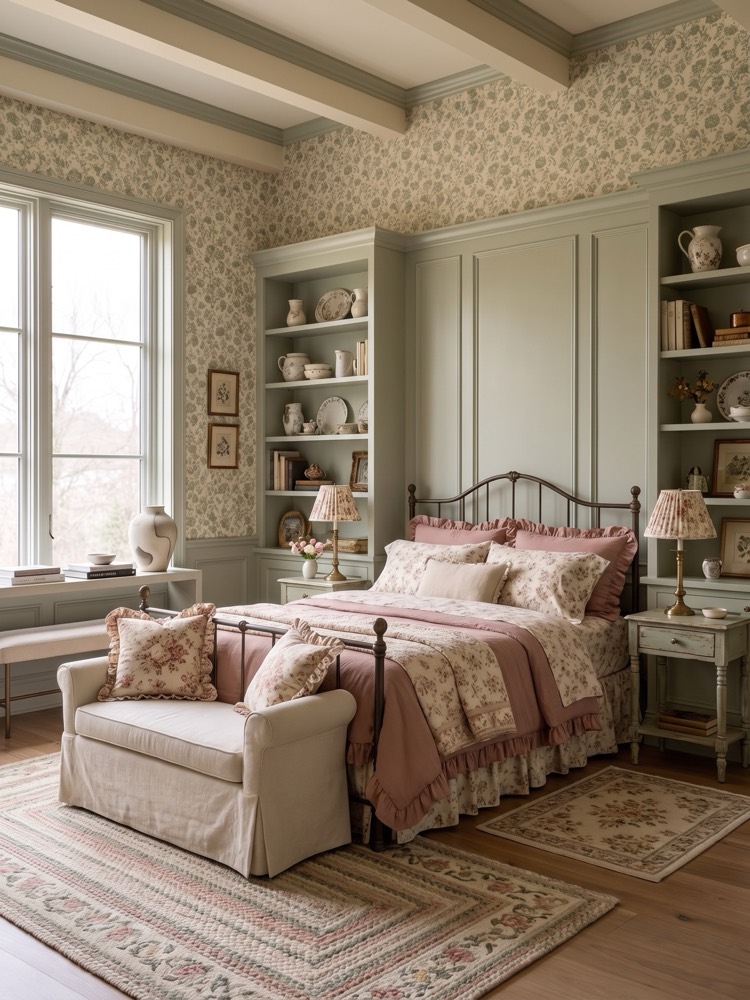
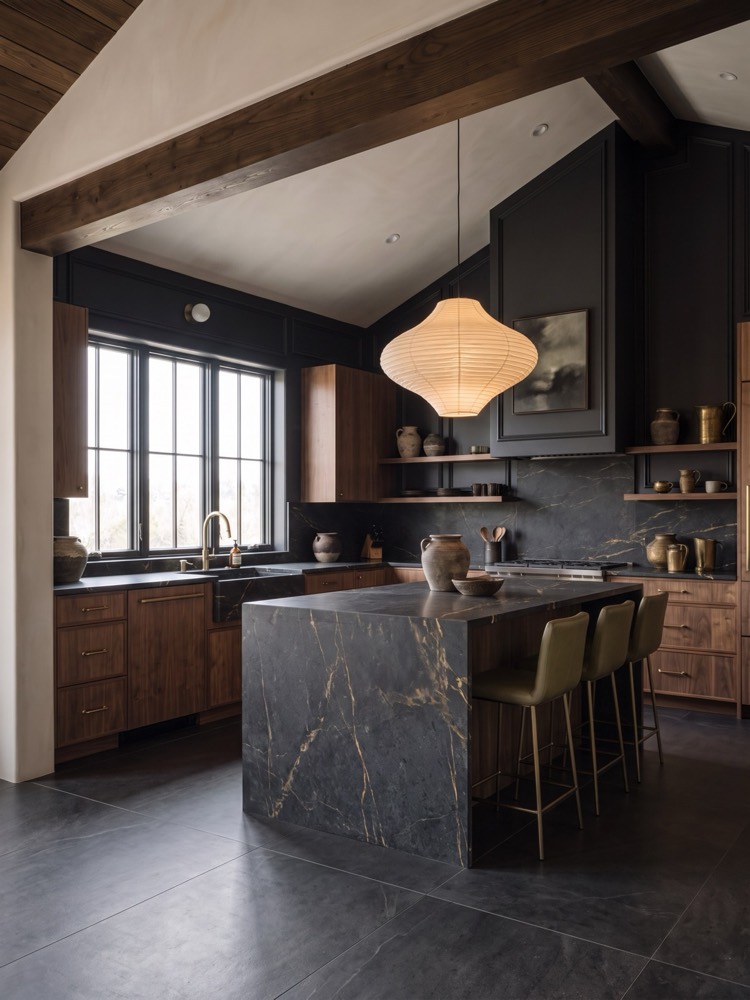
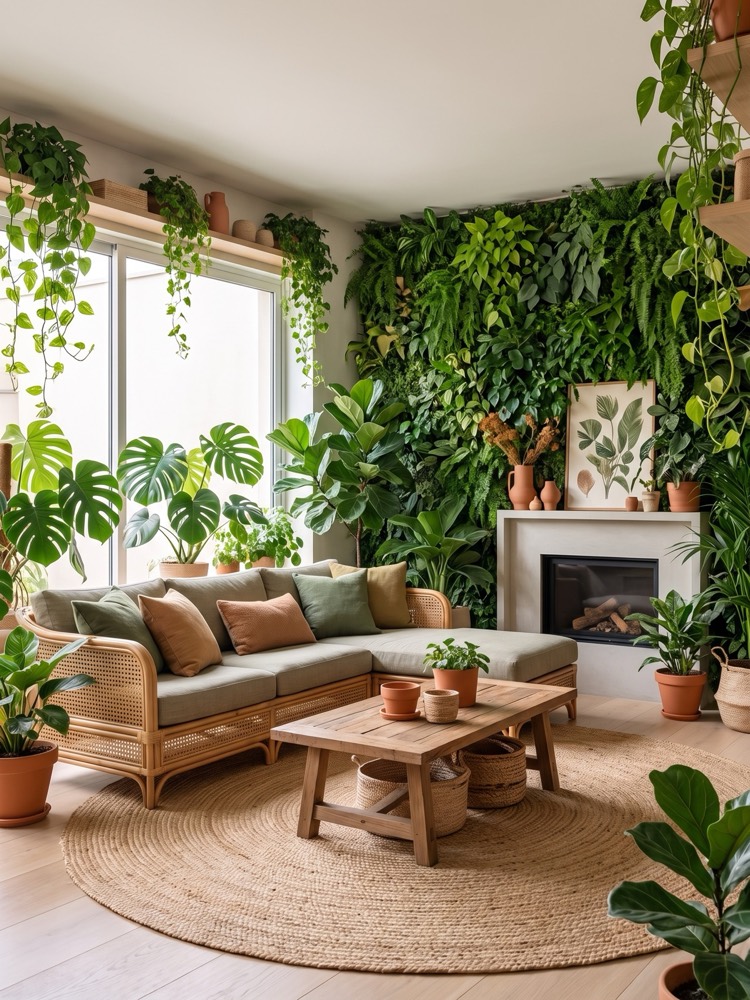
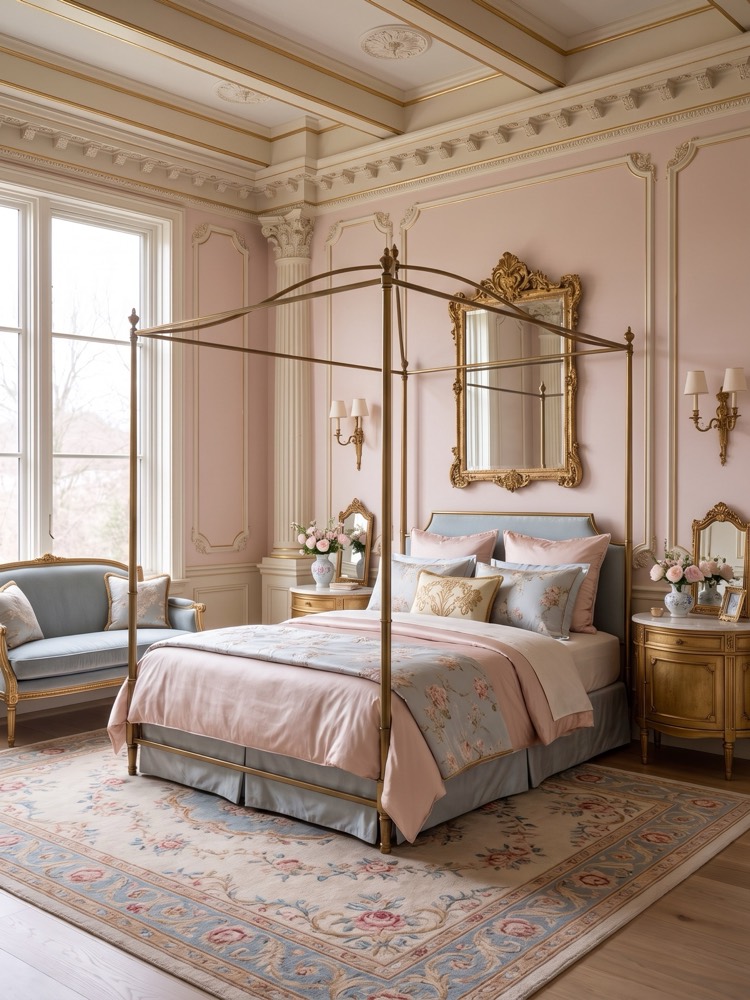
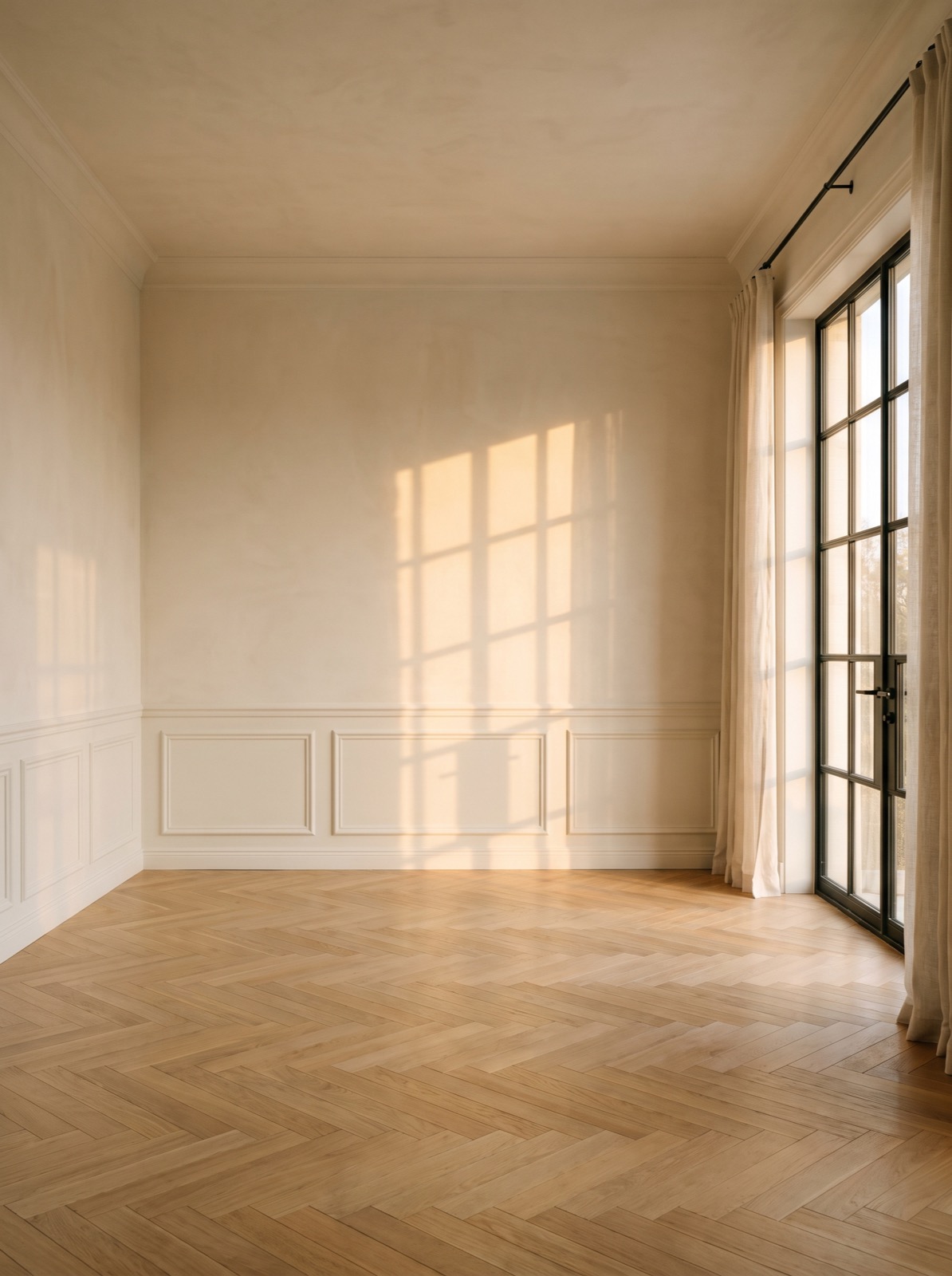
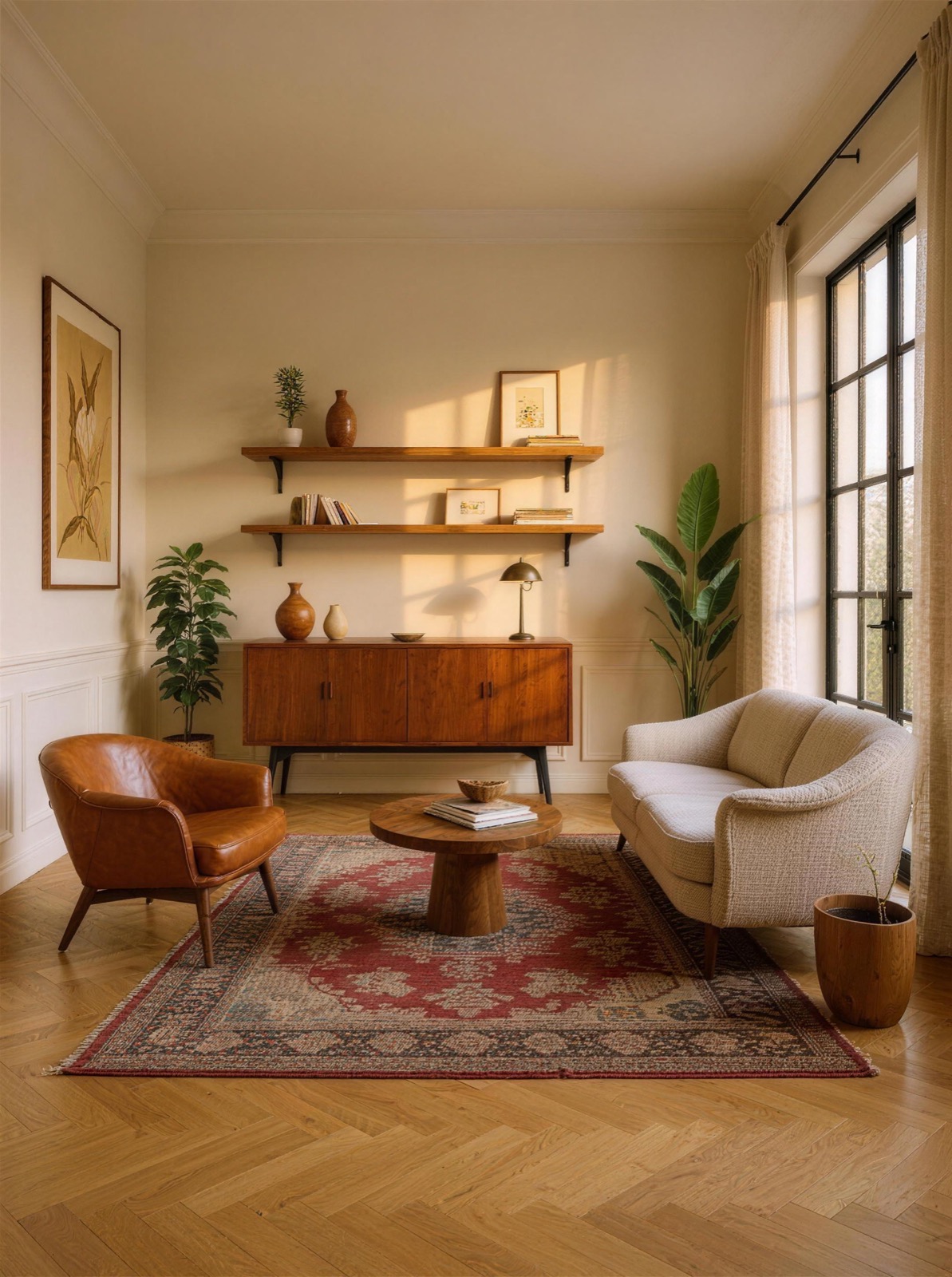
Before & after
AI room makeover, same room.
Corners keeps what makes your room yours — the walls, the windows, the floor — and restyles everything else. Drag the slider and switch styles to see one empty room become four completely different homes.
“the before was giving show house.”
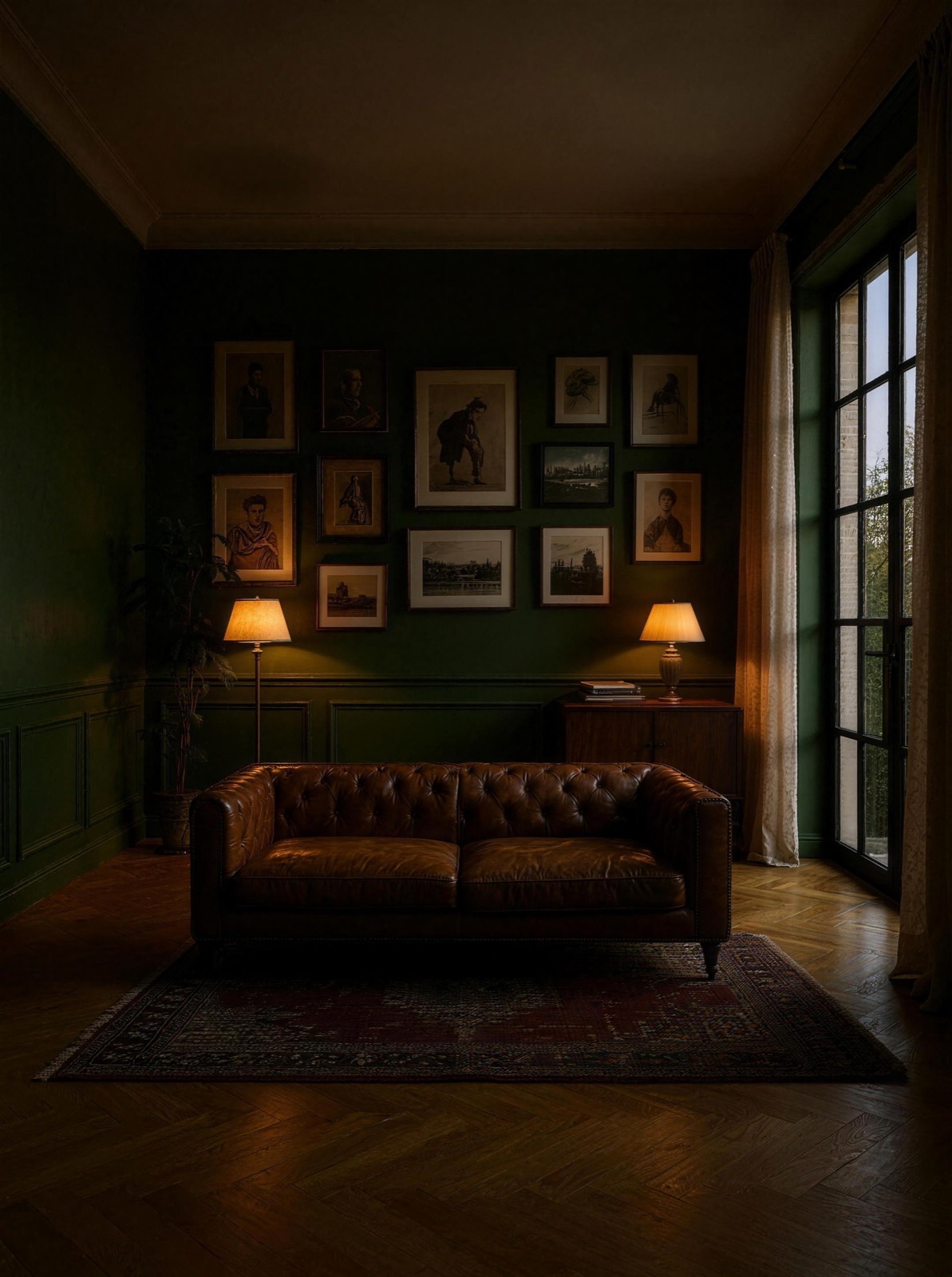
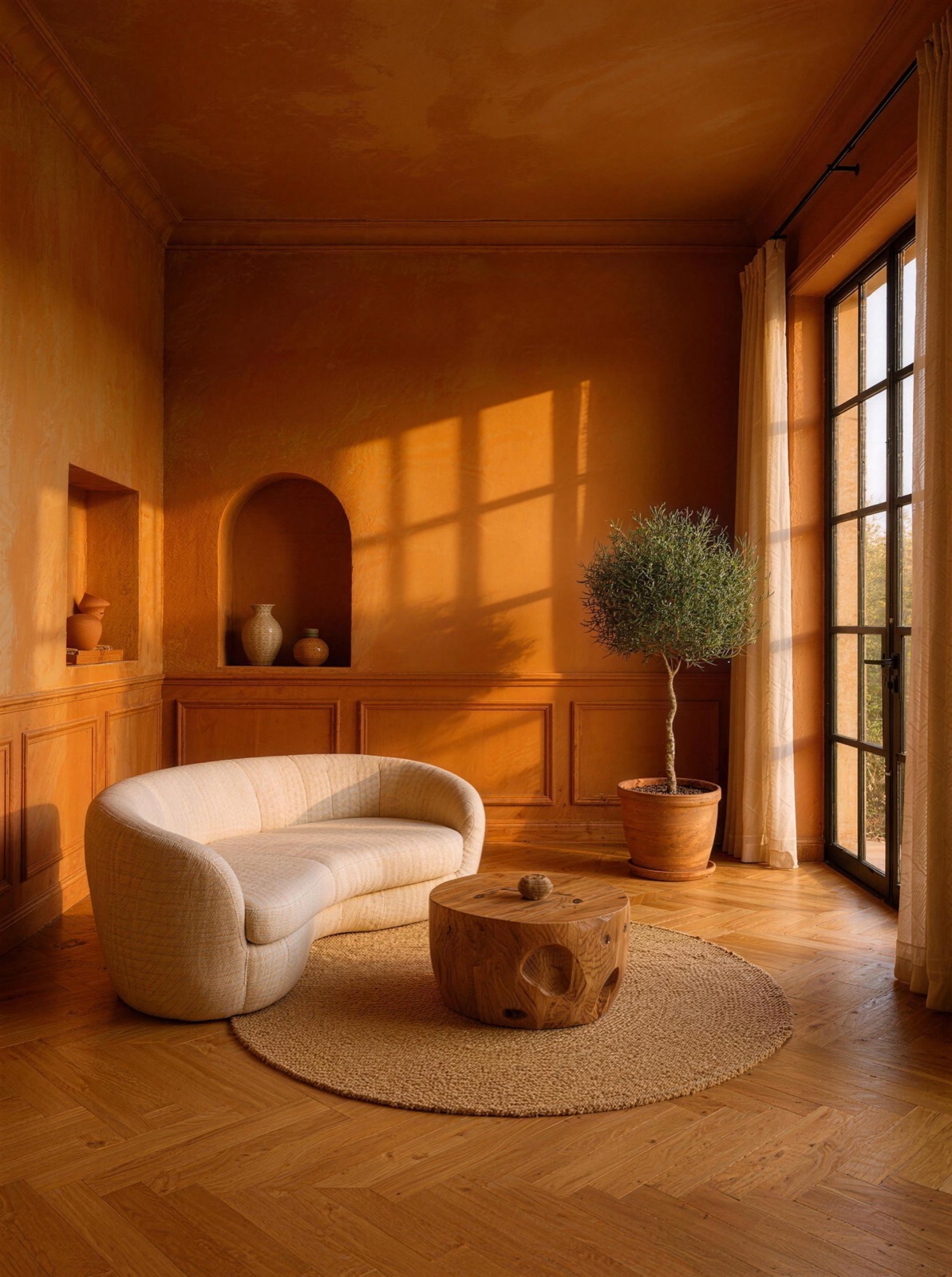
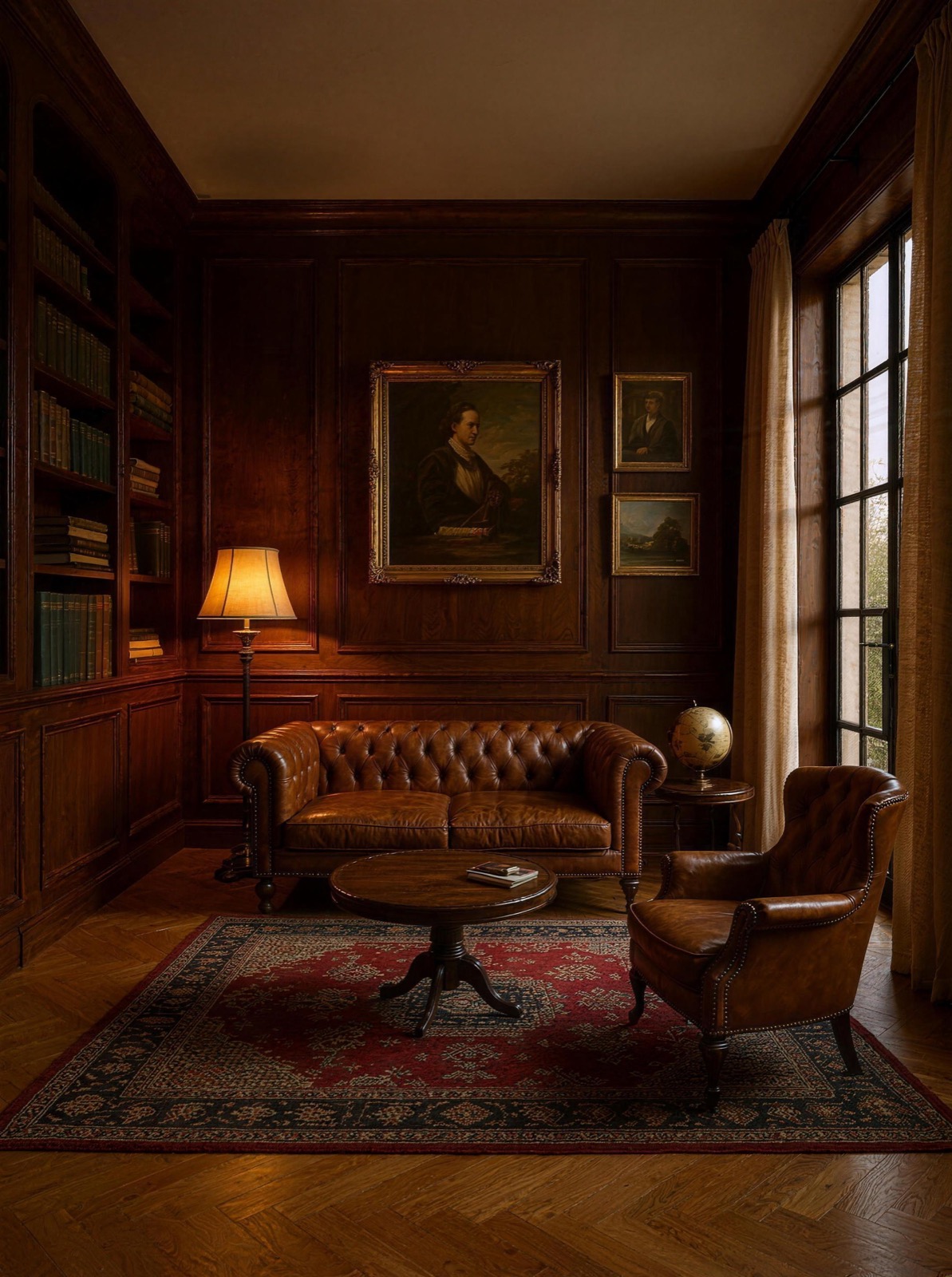 BeforeAfter · Teak Lounge
Interior design styles
One room. Endless ways to live in it.
Pick a room and scroll through every style in the app — calm, warm, moody or loud.
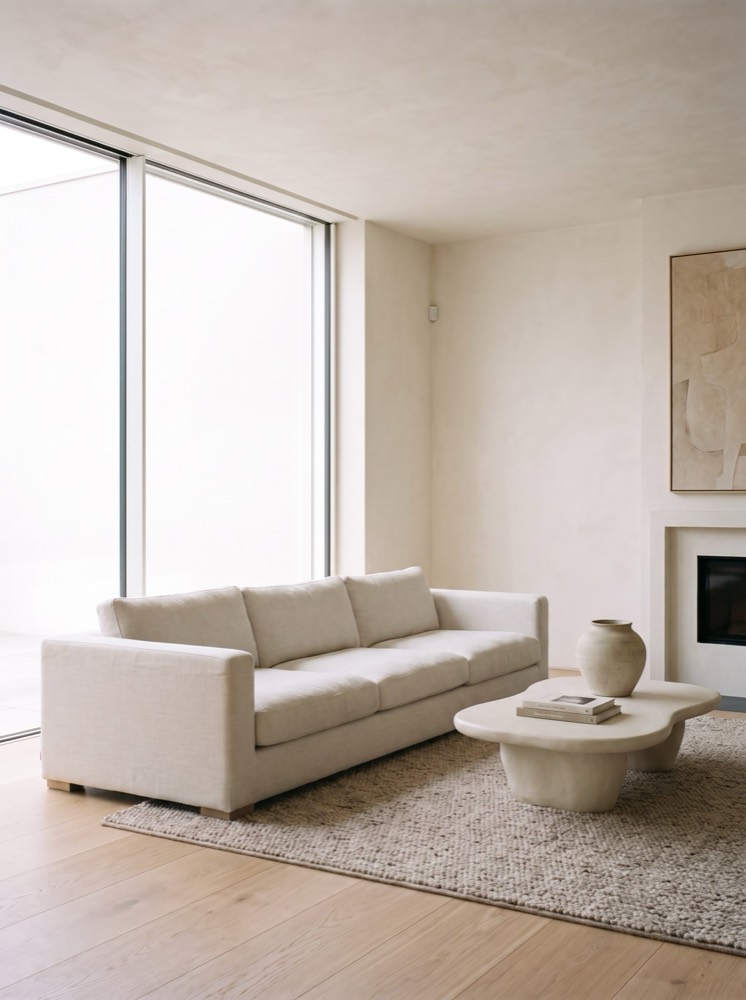 Living room
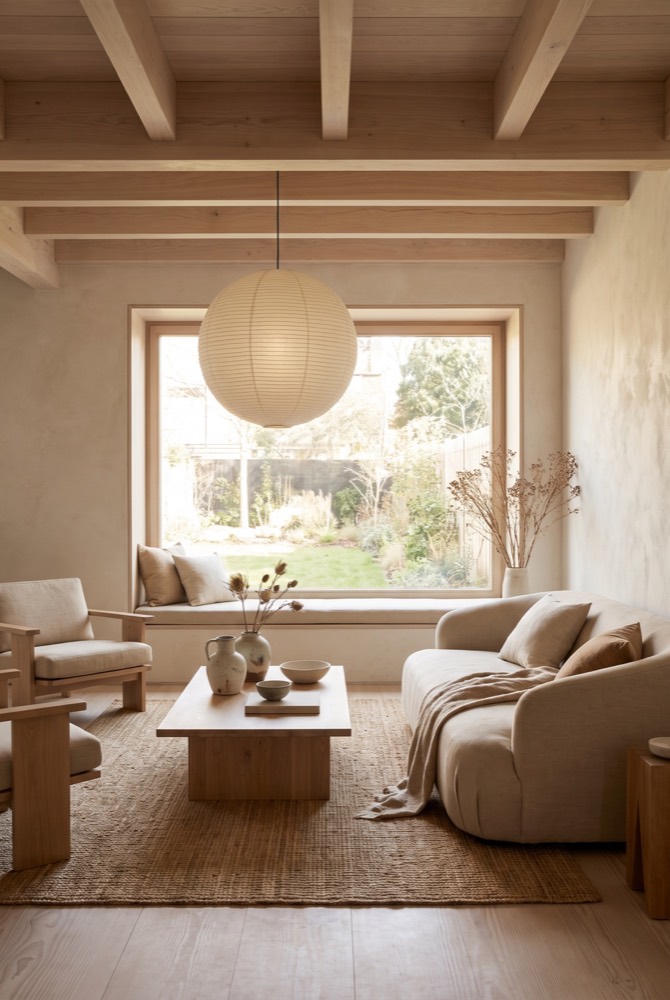
Linen Light
Minimal & Calm
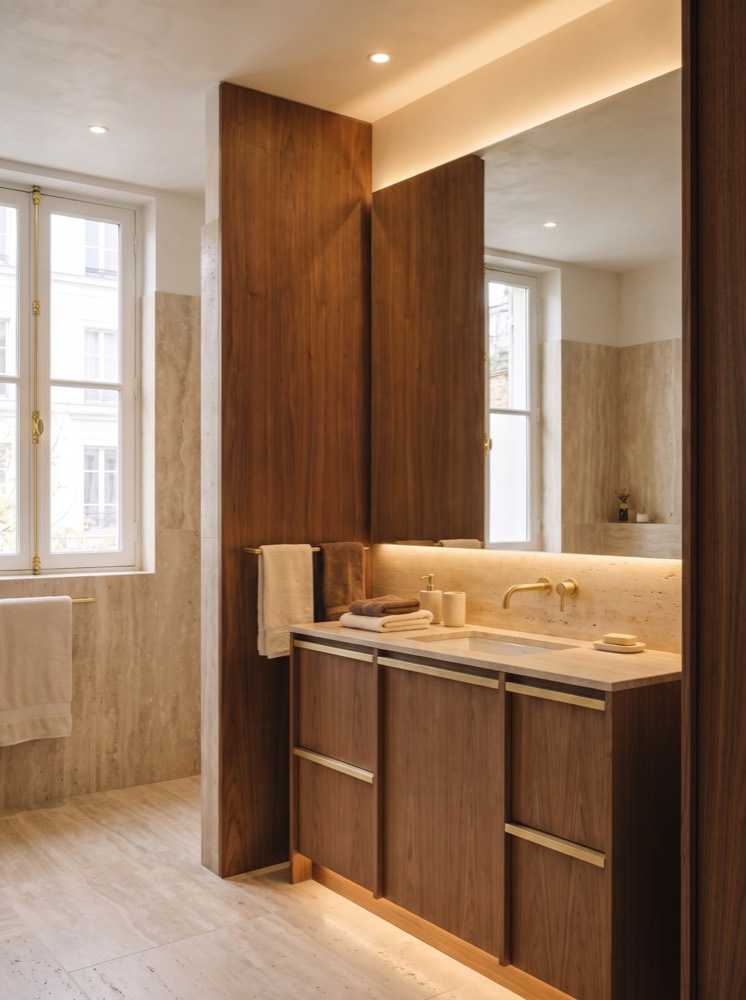 Bathroom
Walnut Hour
Warm Wood
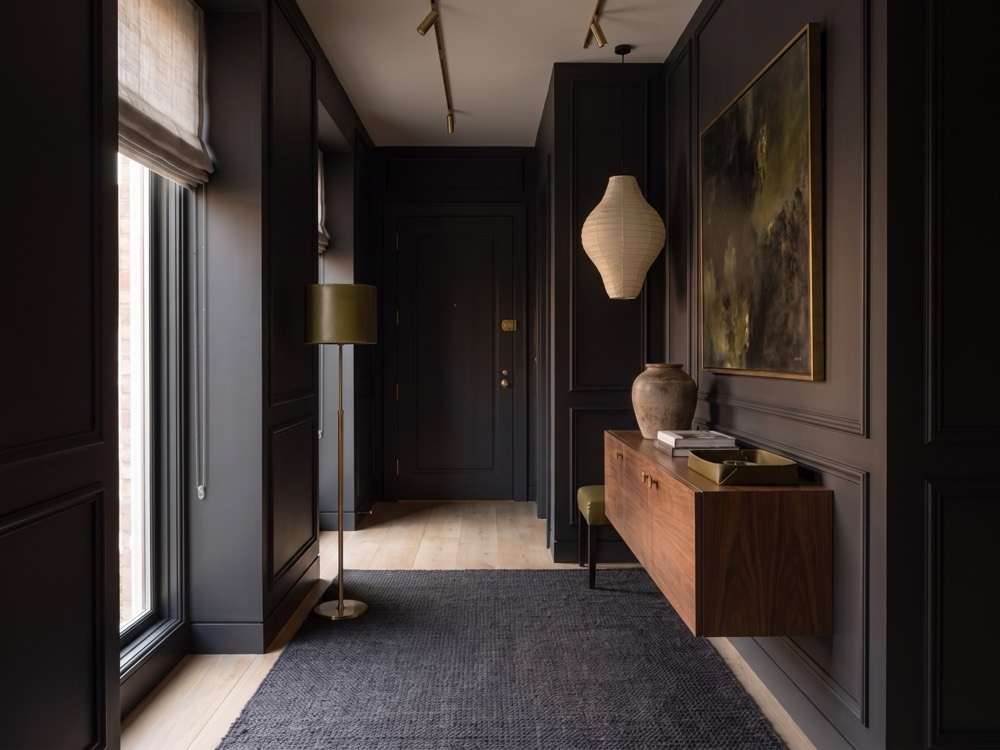 Entryway
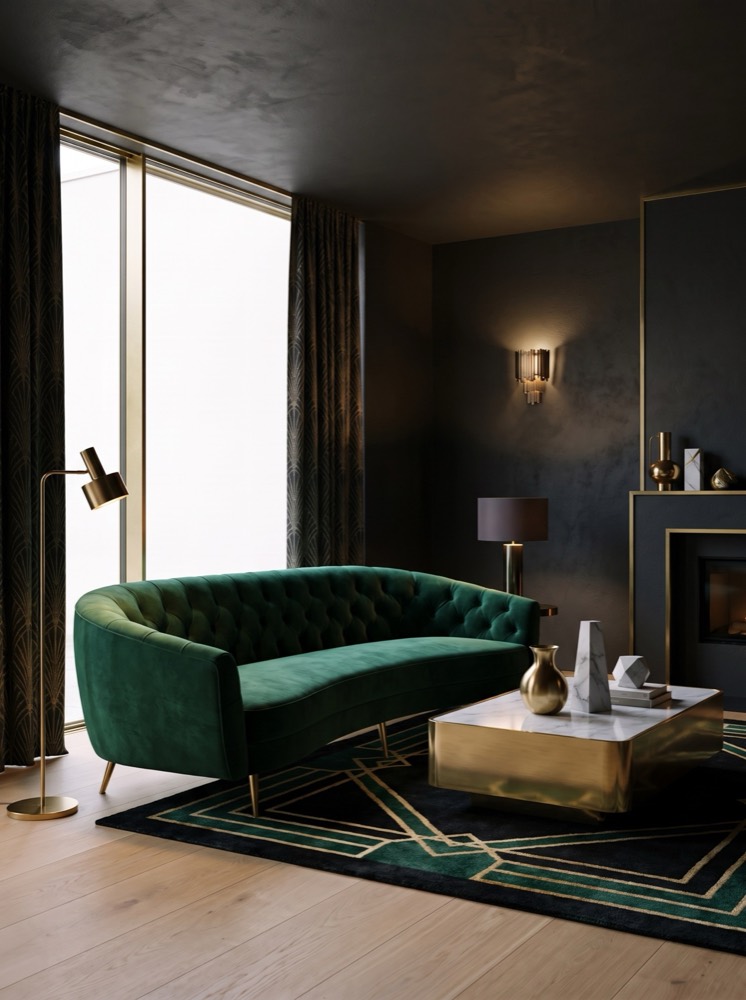
Noir Panel
Dark Luxe
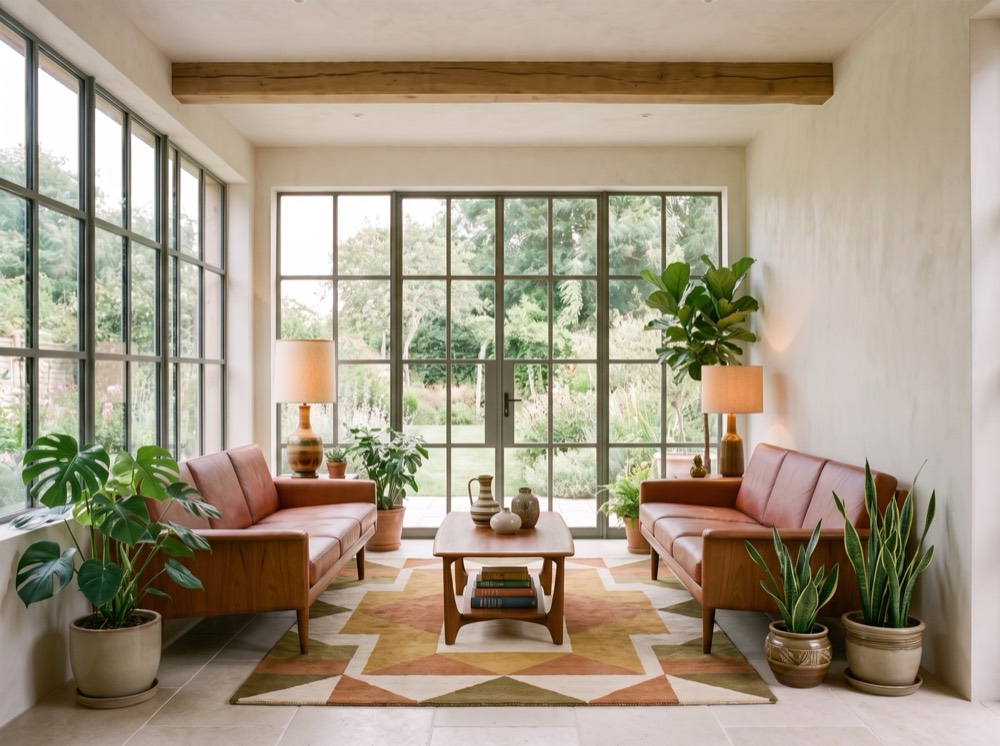 Sunroom
Teak Lounge
Mid-Century
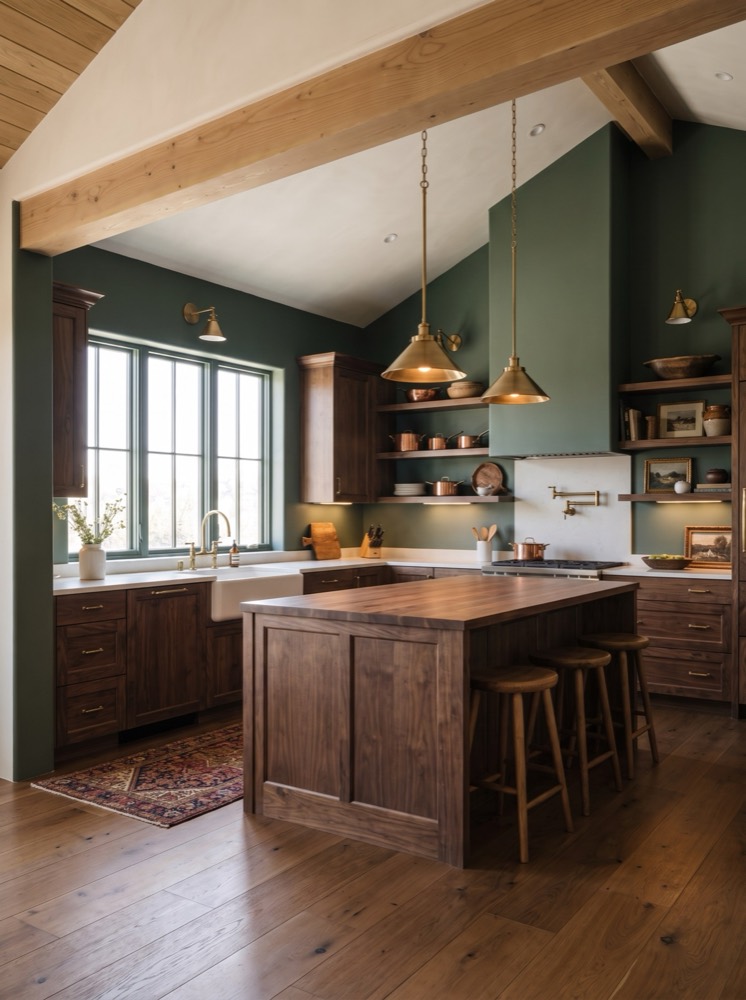 Kitchen
Manor Library
Heritage
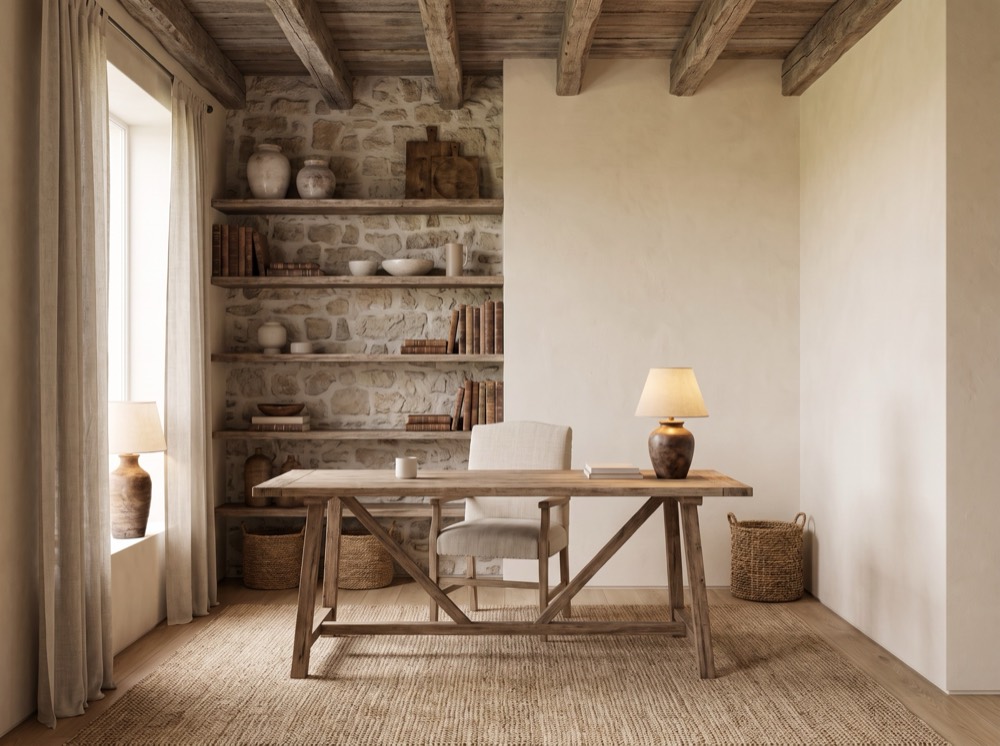 Home office
Stone & Timber
Rustic & Farmhouse
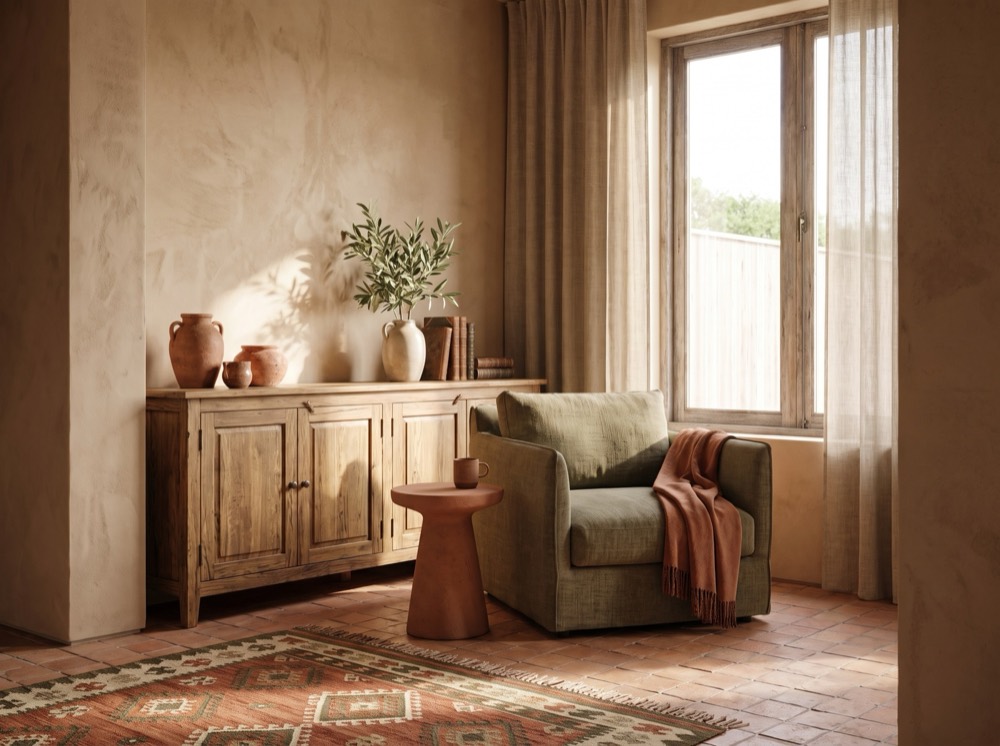 Reading nook
Terracotta Coast
Mediterranean
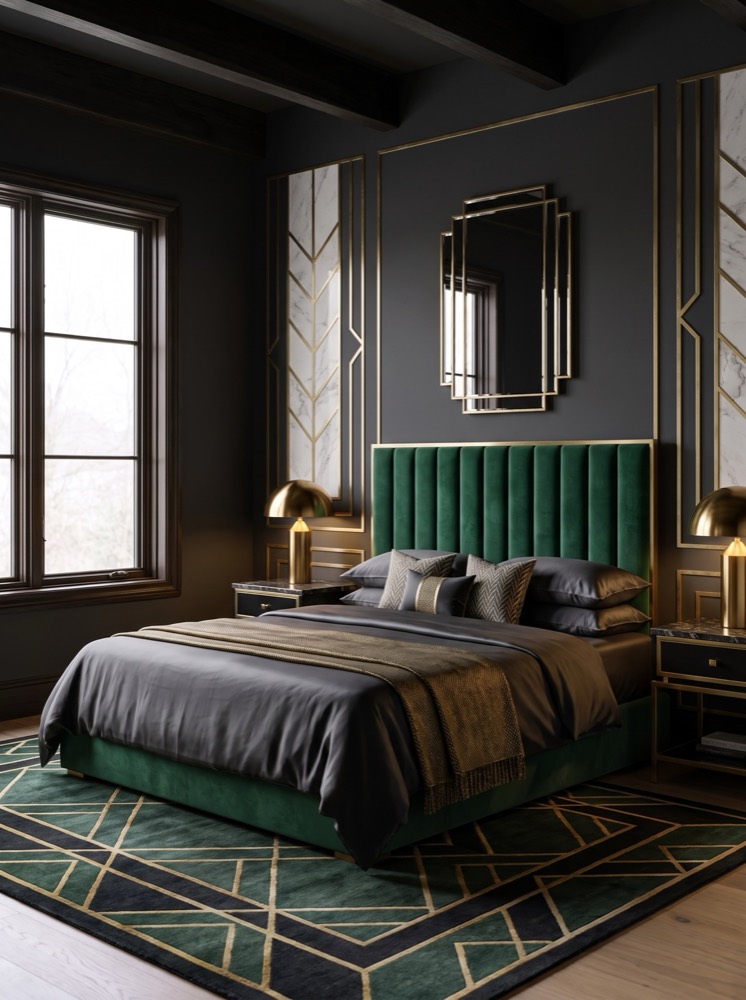 Bedroom
Midnight Salon
Dark Luxe
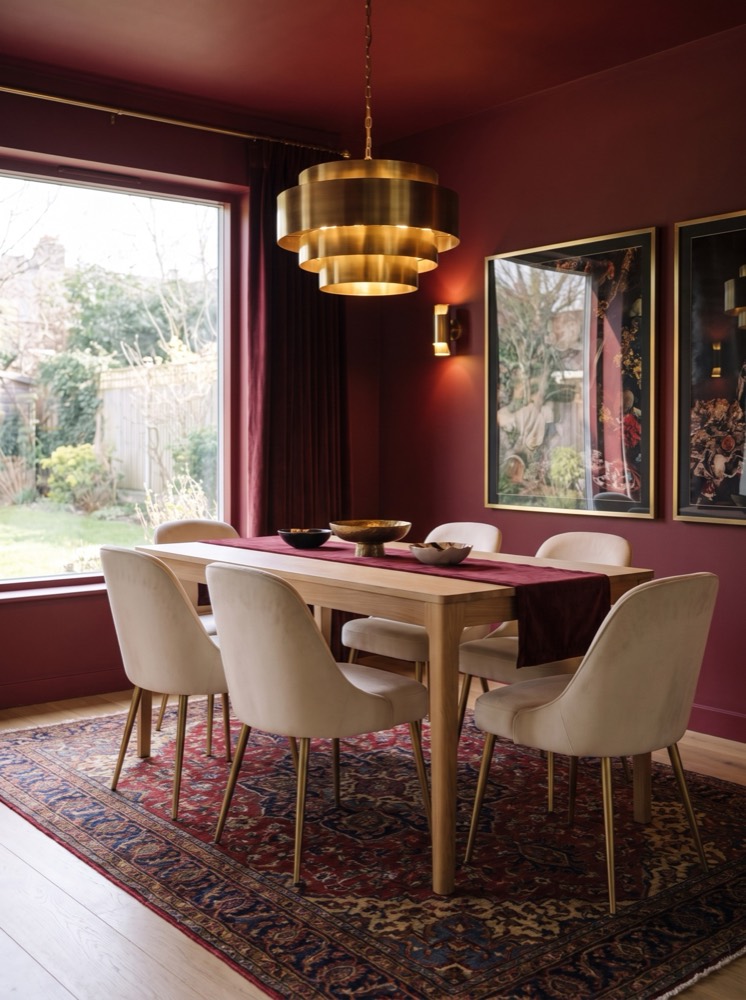 Dining room
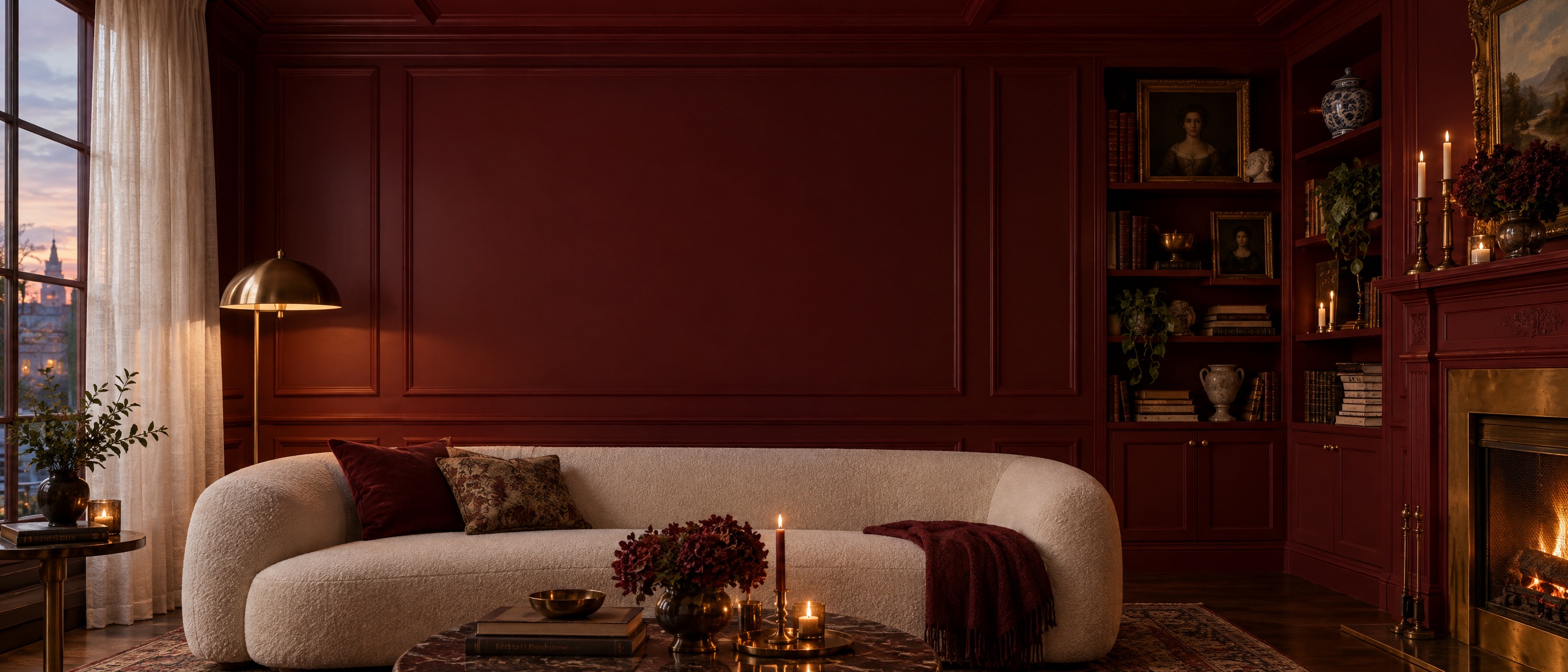
Oxblood Room
Color Drench
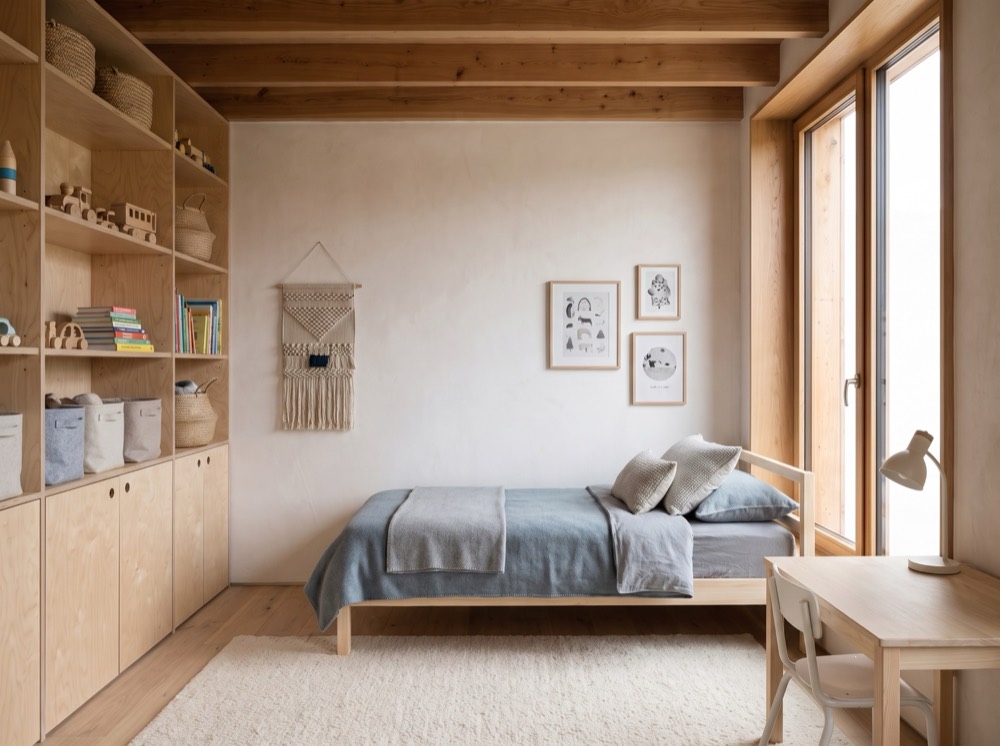 Kids room
Scandi
Nordic
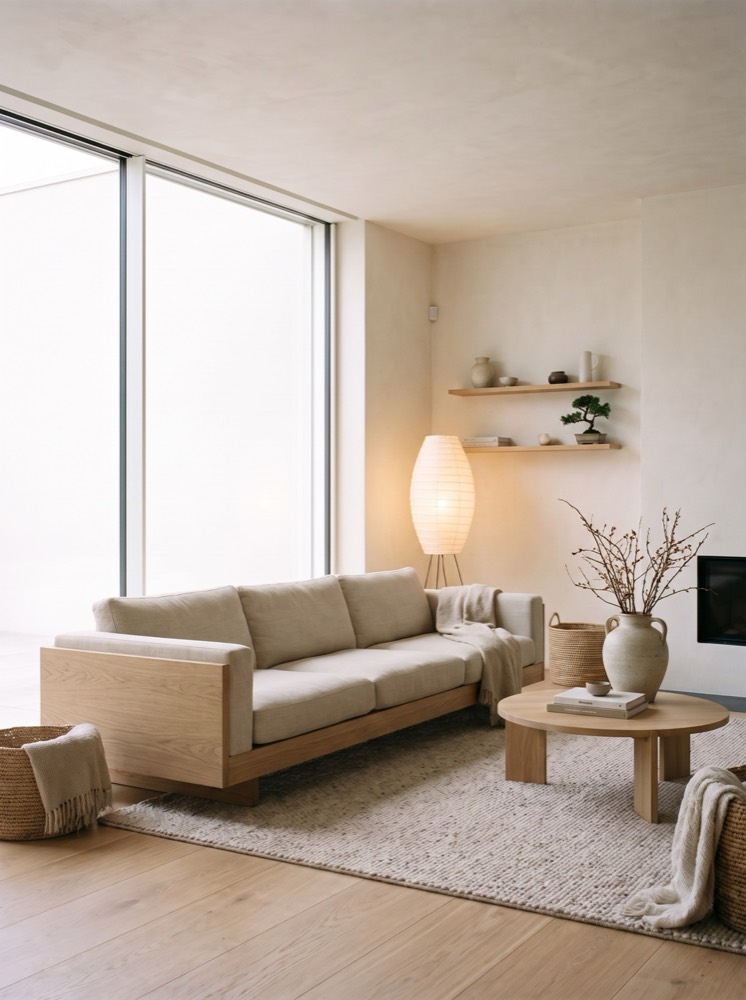 Living room
Japandi
Nordic
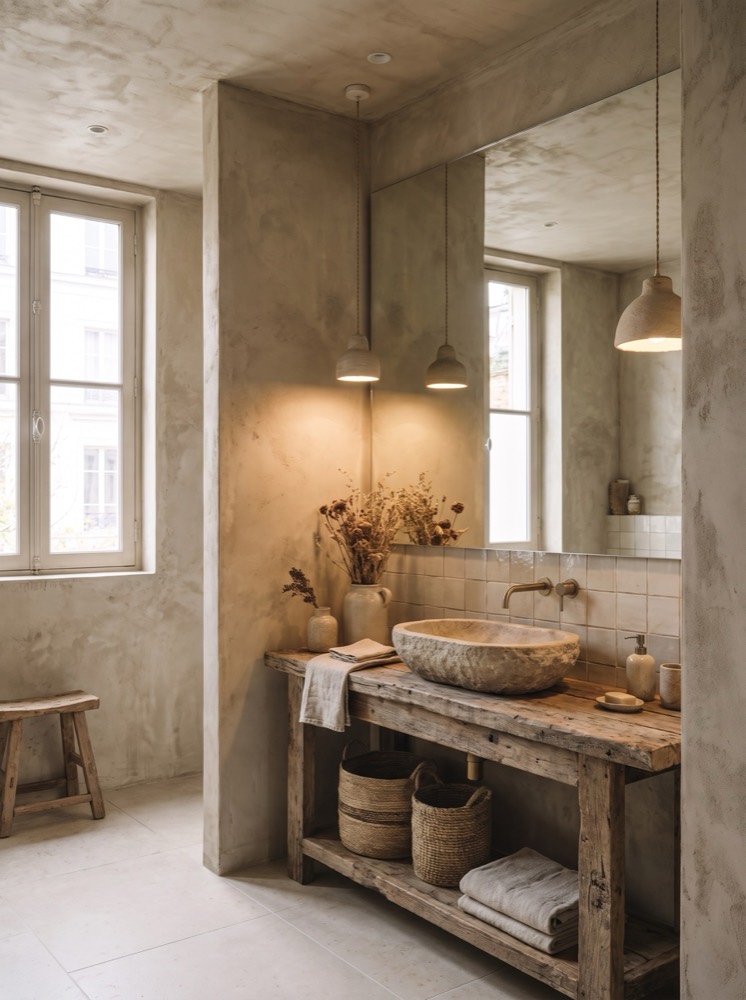 Bathroom
Wabi Sabi
Nordic
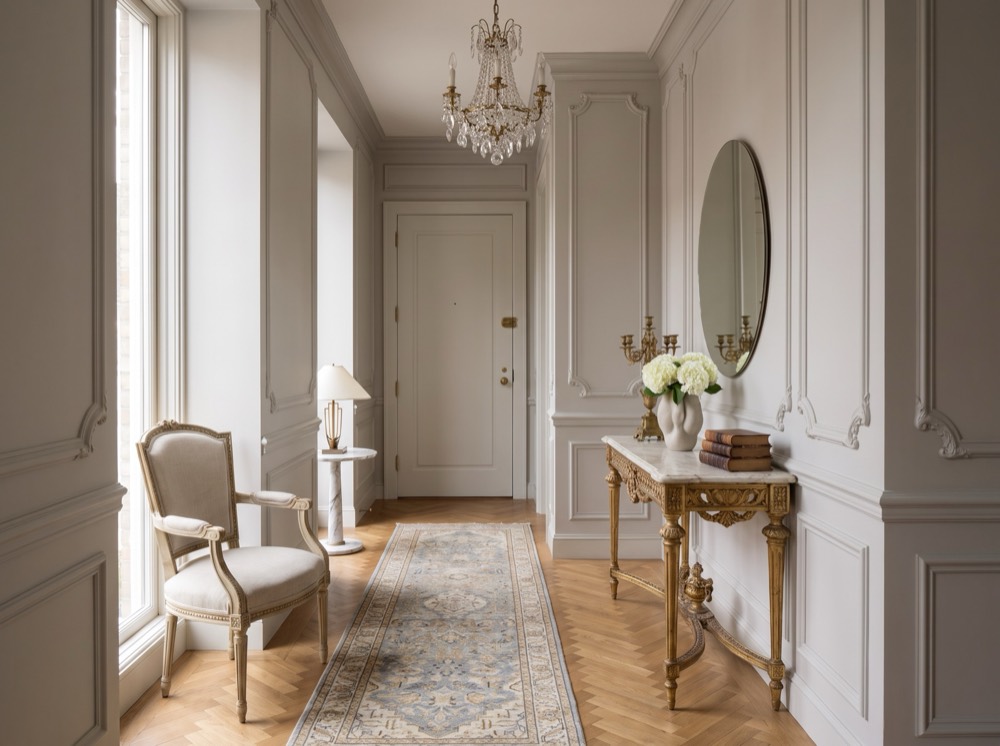 Entryway
Parisian Chic
Chic & Glam
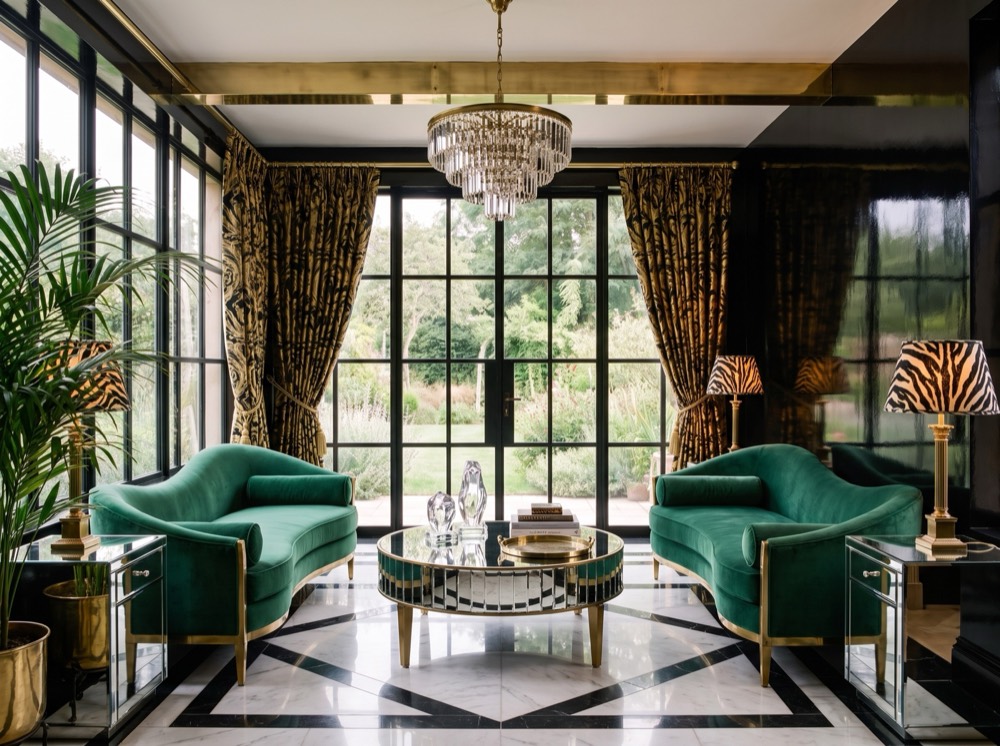 Sunroom
Hollywood Regency
Chic & Glam
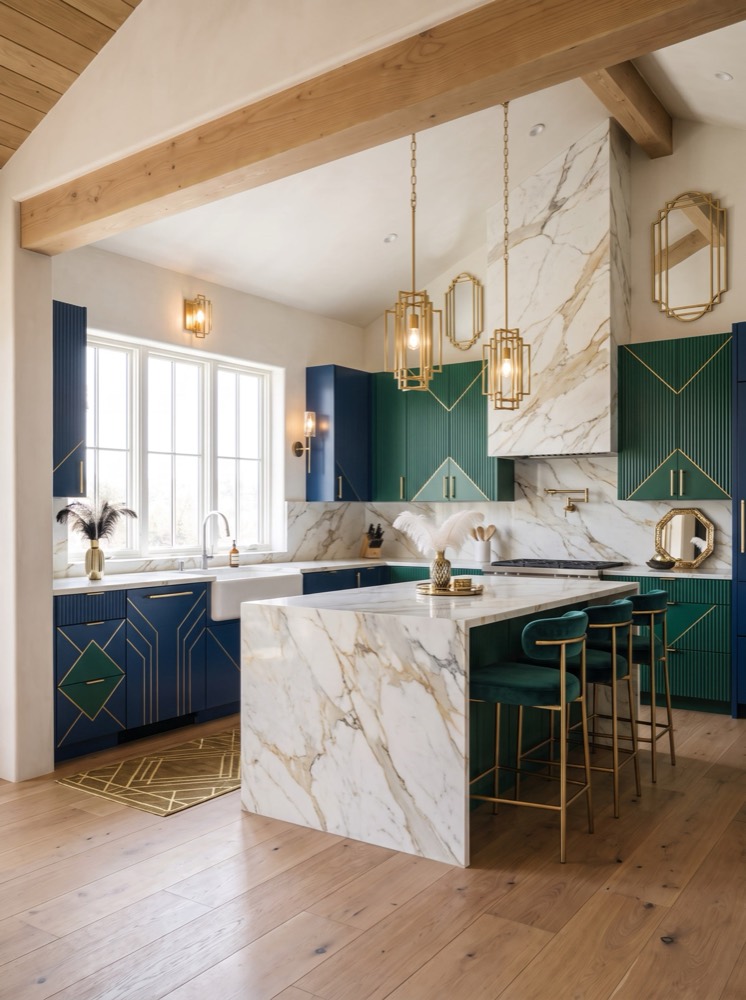 Kitchen
Glam Deco
Chic & Glam
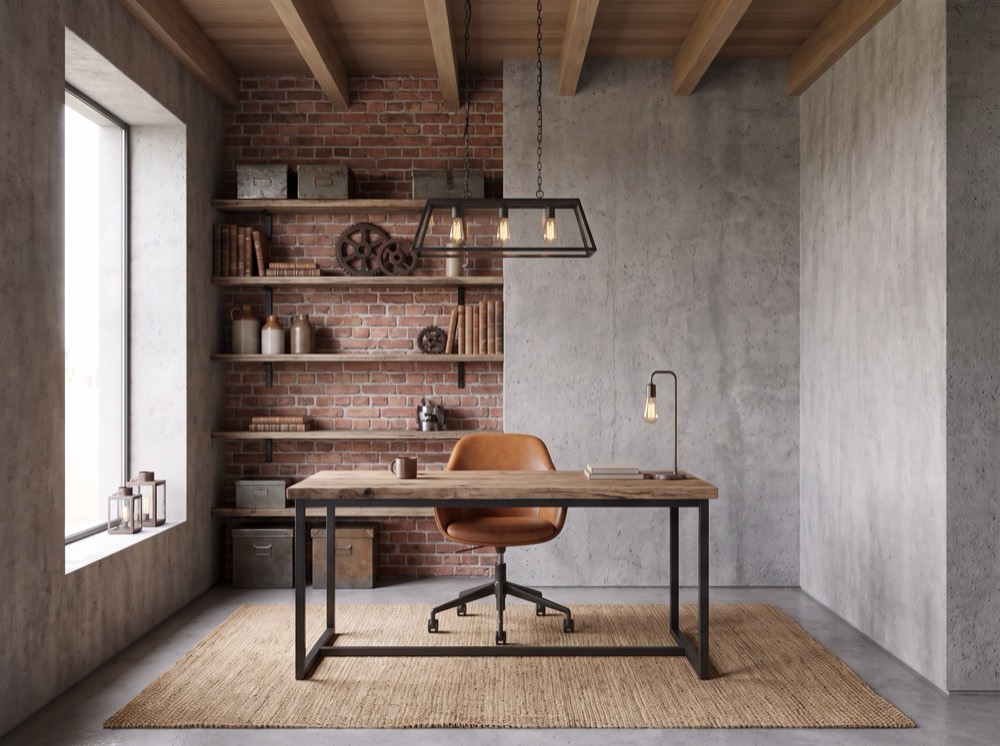 Home office
Concrete Loft
Industrial
More than a filter
You direct the design. Corners does the rest.
Any room
Kitchens, bathrooms, bedrooms, sunrooms, reading nooks — every room in the house.
Mood & light
Morning sun or late-evening lamplight. Set the time of day and the mood you want.
Wall colour
Try oxblood, olive or chalk white on the walls before you buy a single tester pot.
Your details
Ask for a velvet sofa, a zebra rug or arched doorways — describe it in your own words.
Moodboards
Save inspiration into moodboards and use your reference photos to steer the design.
Quick edits
Not quite right? Tweak a result instead of starting over.
How it works
How to redesign your room with AI.
- 01
Snap your room
Take a photo of any room — messy, empty or half-finished. Corners keeps your walls, windows and layout.
 02
02Pick a style
Choose a designer style, or mix in your own references, colours and details.
- 03
See it redesigned
Get a photorealistic redesign of your own room, then save it, edit it or share it.
FAQ
Questions, answered.
What is Corners?
Corners is an AI interior design app for iPhone and Android. Upload a photo of your room, pick a designer style, and Corners redesigns your actual space — same walls, windows and layout, completely new look.
Is Corners free?
Your first redesign is free. After that you can subscribe weekly or monthly, or buy credit packs whenever you need them.
Can I redesign a room from just a photo?
Yes. One photo taken on your phone is enough. Corners reads the room’s architecture and keeps it, so the result looks like your room, restyled.
Which rooms and styles can I try?
Living rooms, bedrooms, kitchens, bathrooms, dining rooms, home offices, entryways, kids rooms, reading nooks and sunrooms — in styles from Japandi and Scandi to Midnight Salon, Oxblood Room and Hollywood Regency.
Does it work for rentals?
It is perfect for rentals. See how a rug, a paint colour or new lighting would change the room before you spend anything.
Your room, but the version you keep saving on TikTok.
Download Corners and redesign your first room free.